Introduction
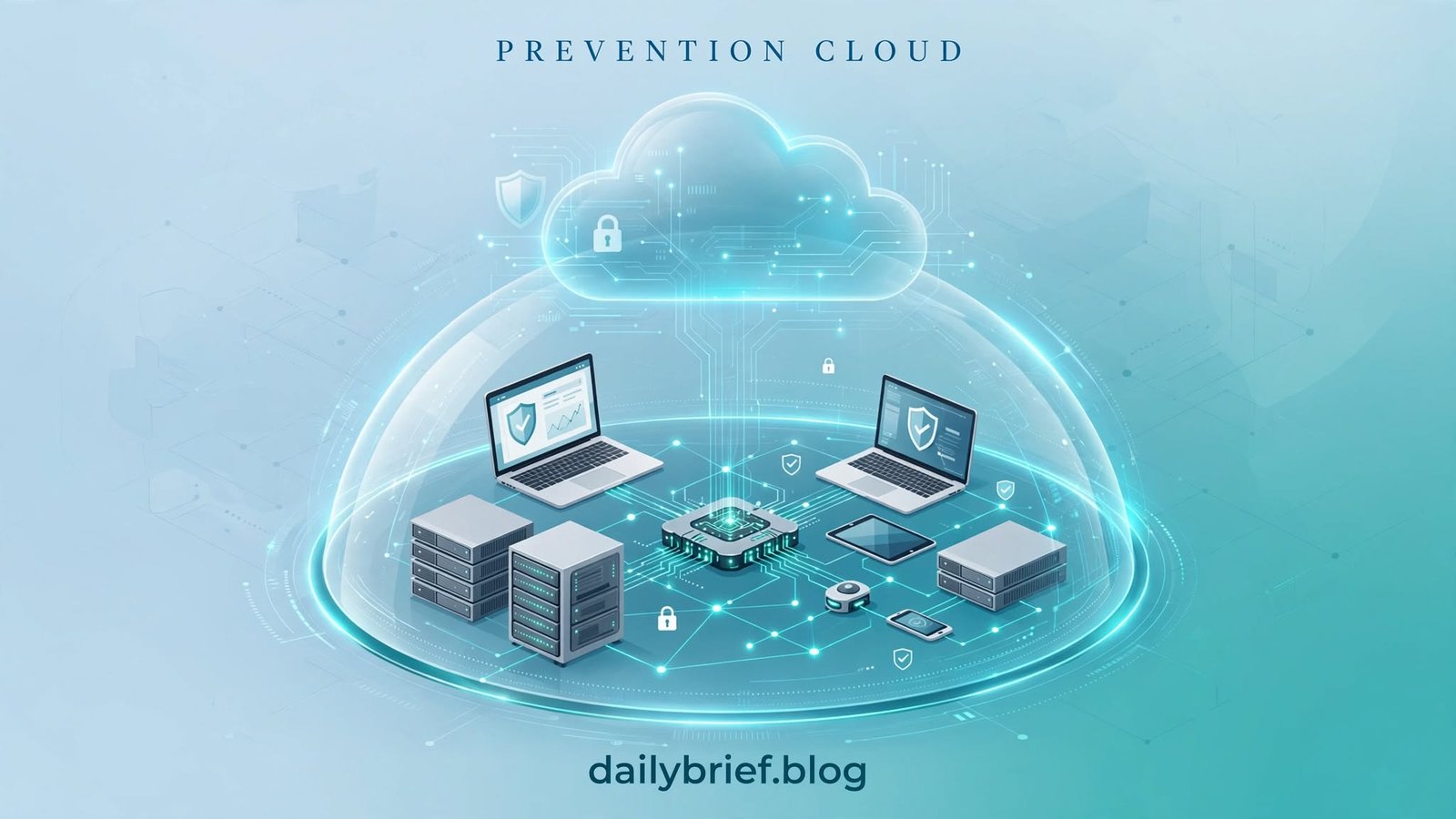
Prevention Cloud is a term that can refer to cloud-based approaches, platforms, or services designed to help prevent security threats, protect sensitive information, and reduce digital risks. As businesses increasingly rely on online applications, remote infrastructure, and cloud storage, understanding cloud prevention has become an important part of modern cybersecurity.
Organizations face a wide range of threats, including phishing, malware, unauthorized access, data exposure, and misconfigured cloud resources. Traditional security measures alone may not provide sufficient visibility across complex cloud environments. Cloud security tools and preventive strategies can help organizations identify weaknesses earlier and respond before small issues become serious incidents.
This guide explores Prevention Cloud, how cloud-based threat prevention works, its potential benefits, important features, common challenges, and practical steps for choosing an appropriate solution. Because the term may refer to different products or general security approaches, the exact capabilities of any specific platform should be verified with its official documentation.
What Is Prevention Cloud?
Prevention Cloud describes the concept of using cloud-based technology and security controls to prevent cyber threats before they cause significant damage. Depending on the context, it may refer to a particular service, a security platform, or a broader approach to protecting cloud-connected systems.
Unlike security strategies that focus primarily on detecting incidents after they happen, prevention-oriented security aims to reduce the likelihood of an incident in the first place. It combines policies, monitoring, access controls, threat intelligence, and automated safeguards to strengthen an organization’s security posture.
For example, a company might use cloud security controls to block suspicious login attempts, identify publicly exposed storage, restrict access to confidential files, and detect unusual activity across its applications.
However, Prevention Cloud should not automatically be treated as the name of one verified product. Businesses researching a specific service should confirm the provider, supported integrations, pricing, and available security features before making purchasing decisions.
How Prevention Cloud Differs From Traditional Security
Traditional security systems often protect individual devices, networks, or applications. Cloud-based security can extend protection across distributed infrastructure, including virtual machines, cloud storage, software services, and remote users.
The main difference is not simply where the security software runs. It is how effectively the organization can apply consistent policies, share security information, and respond to threats across its entire environment.
A well-designed prevention strategy combines preventive controls with detection and response capabilities rather than relying on a single technology.
How Does Prevention Cloud Work?
A cloud prevention system typically uses several security layers to reduce exposure to cyber threats. The exact process varies by provider, but most cloud security approaches follow a similar pattern.
1. Continuous Monitoring
Cloud environments can change rapidly as employees create accounts, deploy applications, and share files. Continuous monitoring helps security teams understand which resources exist and how they are being used.
Monitoring may cover login attempts, network activity, configuration changes, application behavior, and access to sensitive information. This visibility makes it easier to identify unexpected activity.
2. Threat Identification
Security tools examine available signals to identify potentially dangerous behavior. These signals may include unusual login locations, repeated authentication failures, suspicious file activity, or communication with known malicious infrastructure.
Depending on the platform, identification may use predefined rules, threat intelligence, behavioral analytics, or machine-learning models. A suspicious signal does not always indicate an attack, so appropriate investigation and context remain important.
3. Preventive Security Controls
Once a risk is identified, preventive controls can block or restrict potentially harmful activity. Common examples include multifactor authentication, least-privilege permissions, malicious-domain blocking, and restrictions on public access to cloud resources.
Some systems can automatically quarantine files, revoke sessions, or isolate affected workloads. These actions should be configured carefully to avoid disrupting legitimate business operations.
4. Alerts and Incident Response
Prevention does not eliminate every threat. Security teams still need alerts, investigation tools, incident-response procedures, and recovery plans.
A useful cloud security solution helps teams understand what happened, which resources may be affected, and what steps are required to contain the risk.
5. Reporting and Improvement
Reports can reveal recurring vulnerabilities, policy violations, and areas where security controls need improvement. Regular reviews help organizations update their defenses as their infrastructure and threat exposure change.
What Is PreventionCloud Used For?

PreventionCloud is also the name of a technology platform associated with population health management and employee wellness programs. Its purpose is different from cloud cybersecurity tools.
According to available vendor information, the platform helps organizations assess population health, encourage healthy behaviors, organize wellness activities, and measure participation and outcomes.
This distinction matters when researching the exact keyword Prevention Cloud. Someone searching for the named platform may want to understand its wellness features, mobile app, account access, activity tracking, or employer-sponsored health program rather than cloud threat prevention.
Key Areas Associated With PreventionCloud
- Wellness program management: Supporting organized health and fitness initiatives.
- Activity tracking: Helping eligible participants record physical activity and progress.
- Health assessments: Supporting the collection of information used to understand population health.
- Program participation: Providing tools to track engagement in wellness activities.
- Reporting and measurement: Helping organizations assess participation and program outcomes.
- Mobile access: Offering an app experience for supported wellness activities and program information.
Available functionality can depend on the organization using the platform, the program configuration, and the app version.
Prevention Cloud Features and Benefits
The benefits of Prevention Cloud depend on whether you are researching the named wellness platform or the broader concept of preventive cloud security. For the wellness platform, the following areas are particularly relevant.
1. Employee Wellness Program Support
Employers may introduce wellness programs to encourage employees to develop healthier habits and participate in organized activities. A centralized platform can make it easier to communicate program information and organize participation.
Instead of managing every activity through separate spreadsheets or email messages, organizations can use digital tools to coordinate supported wellness initiatives.
The actual benefits depend on program design, employee participation, and how effectively the organization communicates its goals.
2. Fitness and Activity Tracking
Activity tracking can help participants monitor progress toward personal or program-specific goals. Depending on the supported features, users may be able to record exercise, synchronize activity data, or participate in fitness challenges.
The PreventionCloud mobile app has been associated with activity tracking and the ability to submit certain physician visit forms.
Users should check their employer’s instructions to understand which activities and connected devices are supported.
3. Health Assessments and Program Measurement
Population health management involves understanding the health needs of a group rather than focusing exclusively on one individual. Digital platforms can support this process by organizing assessments and measuring engagement with wellness initiatives.
For employers, useful measurements may include participation rates, completed activities, and changes in engagement over time.
However, participation figures alone do not prove that a program has improved employee health. Meaningful evaluation requires appropriate measures, reliable data, and consideration of privacy.
4. Convenient Digital Access
A web-based platform and mobile application can make wellness information accessible without requiring employees to visit a physical office for every task.
Participants may be able to review activities, submit supported information, or check their program status through available digital tools.
Convenience depends on reliable account access, compatible devices, and the features enabled by the organization.
5. Centralized Program Information
When wellness information is spread across multiple systems, participants may find it difficult to understand what they need to complete. A centralized platform can provide a more organized experience.
Organizations should still explain program requirements clearly and provide an alternative support channel when users experience technical problems.
Prevention Cloud vs. Traditional Wellness Management
The following comparison describes common differences between digital wellness platforms and manual program management. It is a general comparison, not a verified feature-by-feature assessment of PreventionCloud.
| Area | Digital wellness platform | Manual management |
|---|---|---|
| Activity records | May be recorded digitally | Often maintained in spreadsheets or forms |
| Participation tracking | Can be centralized | May require separate updates |
| Program access | May be available online or through an app | Often depends on email or in-person communication |
| Reporting | Can support automated reports | Frequently requires manual compilation |
| Data management | Depends on platform controls and configuration | Depends on organizational procedures |
| User support | May include online resources or support channels | Often handled by HR or program administrators |
A digital platform does not automatically produce better outcomes. Its value depends on usability, accessibility, data quality, privacy protections, and how well it supports the organization’s objectives.
How to Access PreventionCloud
If your employer or wellness provider uses PreventionCloud, follow the access instructions supplied by that organization.
Step 1: Find the Official Access Link
Check your employer’s wellness communications, benefits portal, or instructions from the program administrator. You can also visit the official domain at PreventionCloud.com to look for current access information.
Avoid entering personal or health information on an unfamiliar website.
Step 2: Sign In With Your Account
Use the credentials or registration process provided by your organization. Some wellness platforms require an invitation or an employer-linked account rather than unrestricted public registration.
If you do not have an account, contact your program administrator to confirm your eligibility.
Step 3: Review Your Wellness Dashboard
Once signed in, review the features available to you. Depending on your program, these may include activity records, fitness challenges, wellness tasks, or participation information.
Follow the program’s instructions before connecting a fitness tracker or submitting personal information.
Step 4: Check Mobile App Compatibility
If you prefer mobile access, check the relevant app store for the official PreventionCloud application and verify its developer information.
App availability and functionality may differ by device, operating system, or program. Confirm that you have the correct application before signing in.
Common PreventionCloud Login Problems and Solutions
Like other online services, a wellness platform can sometimes present account or technical issues. The right solution depends on the specific error.
Forgotten Password
Use the official password-reset process if it is available. Check that you are entering the email address associated with your account, and review your spam folder for reset instructions.
If no reset email arrives, contact the organization that manages your wellness program.
App Not Synchronizing Activity Data
Activity synchronization may depend on device permissions, supported integrations, and an active internet connection.
Try the following steps:
- Check your internet connection.
- Confirm that the application is updated.
- Review the permissions required for activity tracking.
- Check whether your device or fitness application is supported.
- Contact support if synchronization continues to fail.
Do not assume that every fitness tracker or health application is compatible with PreventionCloud.
Challenges or Features Not Loading
An outdated application, temporary service issue, or account configuration problem may prevent certain screens from working correctly.
Restart the application and check for updates. If the problem persists, record the error message and report it through the appropriate support channel.
Account Access Problems
If your employer manages your access, the problem may involve account activation, eligibility, or incorrect login details.
Contact the program administrator rather than creating multiple accounts or repeatedly submitting personal information.
Is Prevention Cloud Safe to Use?
Safety depends on the specific service, how it handles personal information, and the precautions users take when accessing their accounts.
Because PreventionCloud is associated with wellness activities, users should pay particular attention to how health-related information is collected, stored, shared, and used.
Before submitting sensitive information, consider these precautions:
- Verify that you are using the official website or application.
- Use a unique, strong password.
- Never share your password through an unsolicited message.
- Review the privacy policy and applicable terms.
- Understand whether your employer can access individual participation or health-related information.
- Check what permissions are requested when connecting a fitness device.
- Contact the program administrator if you are unsure why certain information is required.
Do not assume that every wellness platform offers the same privacy protections. Review the provider’s current policies and your organization’s program documentation before sharing sensitive data.
Prevention Cloud for Employers and Organizations
Employers considering a wellness platform should evaluate more than its activity-tracking features. The most suitable solution depends on workforce needs, available resources, privacy requirements, and measurable program objectives.
Evaluate Program Requirements
Start by identifying the main goal of the wellness initiative. The organization might want to encourage regular physical activity, improve participation in preventive health programs, or simplify administration.
Clear objectives help decision-makers determine which features are necessary and which are optional.
Assess User Experience
A wellness platform should be straightforward for employees with different levels of technical experience. Mobile accessibility, clear instructions, accessible design, and reliable account recovery can influence participation.
Consider testing the platform with a small group before introducing it across the organization.
Review Privacy and Data Handling
Health-related information requires careful management. Employers should understand what information is collected, who can access it, how long it is retained, and whether it is shared with third parties.
Program participation should be communicated transparently, including any applicable confidentiality arrangements.
Measure Meaningful Outcomes
Organizations should distinguish between activity metrics and actual health outcomes. For example, the number of employees who join a challenge is different from evidence that the challenge improves long-term health.
A responsible evaluation process uses appropriate measures and avoids making medical claims that the available evidence cannot support.
Prevention Cloud: Pros and Cons
| Potential advantages | Potential limitations |
|---|---|
| Centralized wellness activities | Features may vary by program |
| Convenient digital access | Technical issues can interrupt use |
| Potential support for activity tracking | Device compatibility may be limited |
| Participation reporting | Participation does not guarantee health improvements |
| Easier organization of digital wellness tasks | Privacy policies require careful review |
These points describe potential advantages and limitations of digital wellness platforms generally. They should not be interpreted as a verified audit of every PreventionCloud feature.
Frequently Asked Questions About Prevention Cloud
What is Prevention Cloud?
Prevention Cloud may refer to the PreventionCloud wellness platform, which is associated with population health management and employee wellness programs. The phrase can also describe preventive approaches in cloud computing, so context is important.
Is PreventionCloud a cybersecurity tool?
The named PreventionCloud platform is associated with wellness and population health management, not primarily with cybersecurity. If you are researching cloud security, look for a specific security vendor or product that matches your requirements.
What can you do with PreventionCloud?
Depending on the program, users may be able to track activities, participate in fitness challenges, submit supported forms, and review wellness participation information.
Is PreventionCloud free?
Publicly available information does not establish a universal price or free-access policy for every user. Access and costs may depend on the employer, organization, or wellness program. Contact the relevant administrator for details.
Does PreventionCloud have a mobile app?
A PreventionCloud mobile application is listed in Apple’s App Store. Its described functionality includes activity tracking and certain wellness-related tasks.
App Store Check the official listing for current availability and compatibility.
How do I contact PreventionCloud support?
Start with the official website or the contact information supplied by your employer or wellness program. Older app information lists a support email and telephone extension, but these details should be verified before use.
Can PreventionCloud improve employee health?
A wellness platform may help organizations encourage participation in healthy activities and organize preventive health initiatives. Actual outcomes depend on the quality of the program, individual circumstances, participation, and other factors.
Conclusion
Prevention Cloud is a useful search term to understand in context because it can refer to preventive technology concepts, while PreventionCloud is also associated with a digital wellness and population health management platform.
For individuals, the platform may provide access to supported wellness activities, fitness tracking, and program information. For employers, it may offer tools to coordinate participation and evaluate wellness initiatives, depending on the features available to their organization.
Before signing up or sharing personal information, verify the official service, confirm your account eligibility, and review the applicable privacy policies. Understanding what Prevention Cloud actually refers to is the first step toward finding the right information and making informed decisions.