Quad Equalizer: What It Is and How to Use It
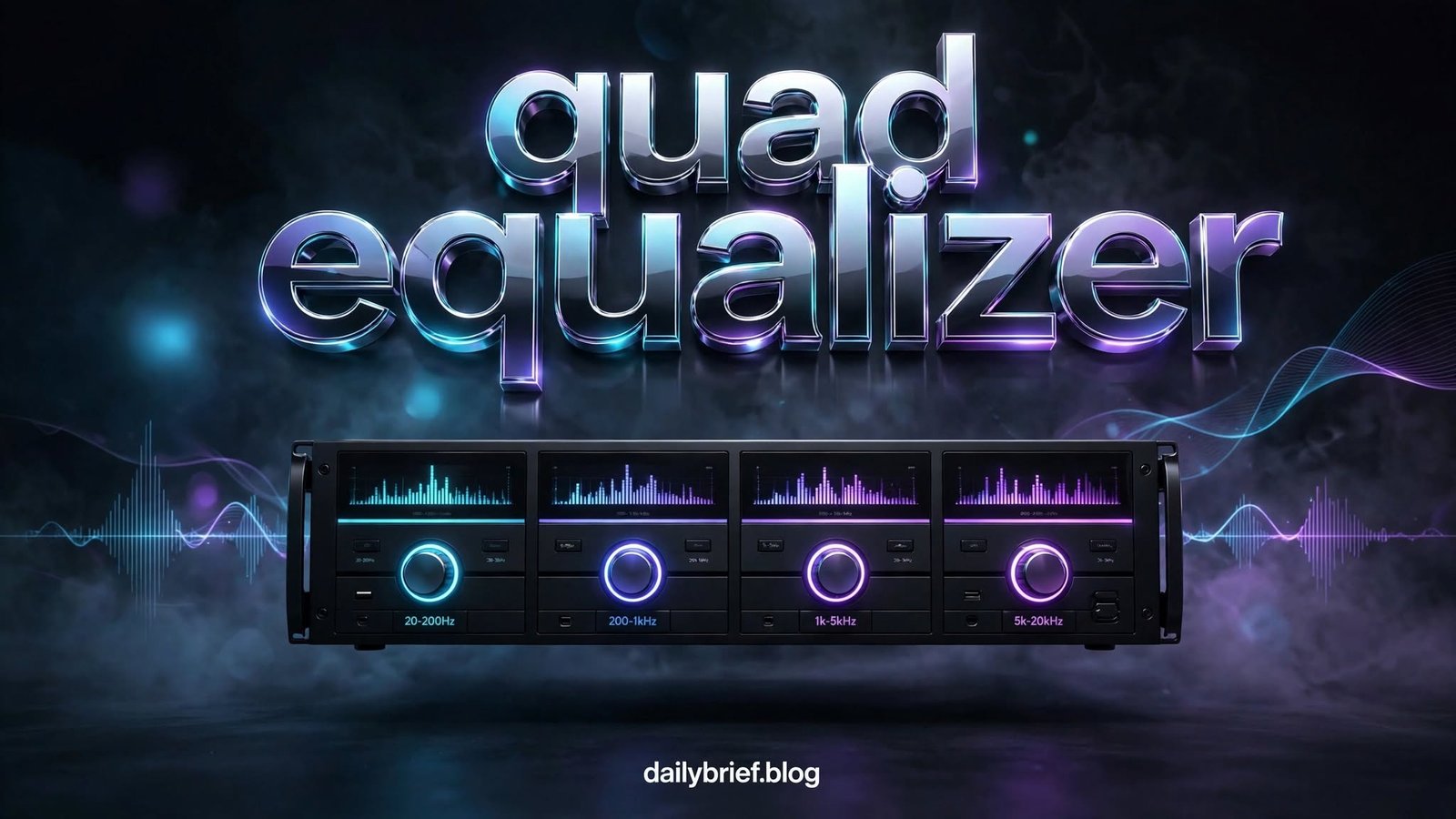
A quad equalizer is an audio equalization system that divides the audible frequency range into four adjustable sections. Instead of changing the overall volume, it lets you increase or decrease specific parts of a recording, helping you shape bass, lower midrange, upper midrange, and treble.
For beginners, four controls can provide a useful balance between simplicity and flexibility. You get more control than a basic bass-and-treble system without dealing with the complexity of a professional multi-band equalizer.
Whether you are adjusting music, improving speech, tuning a home audio system, or working with a car stereo, understanding how each frequency area behaves can make your adjustments much more predictable.
What Is a Quad Equalizer?
A quad equalizer typically provides four separate frequency bands. Each band controls a particular portion of the audio spectrum, although the exact frequencies depend on the equipment or software.
A typical four-band setup may divide sound into areas such as:
| Band | Approximate Range | Main Effect |
|---|---|---|
| Bass | 20–250 Hz | Weight, punch and depth |
| Low-Mid | 250 Hz–1 kHz | Warmth and body |
| High-Mid | 1–4 kHz | Clarity and presence |
| Treble | 4–20 kHz | Brightness and detail |
These ranges are only examples. A particular quad equalizer may use different center frequencies, bandwidths, or crossover points.
The important concept is that each control affects a different region of the frequency spectrum.
How Does a Quad Equalizer Work?
An equalizer changes the relative level of selected frequencies. Increasing a band makes that frequency region more prominent, while reducing it makes the region less noticeable.
For example, increasing the bass band can make a kick drum or bass guitar feel stronger. Increasing the upper-midrange can make vocals easier to hear, while excessive treble can make cymbals or vocals sound harsh.
Most equalizers express adjustment in decibels (dB). A positive value boosts a frequency range, while a negative value cuts it.
A practical approach is to start with every band at 0 dB. Listen carefully, then make small adjustments instead of immediately applying large boosts.
The Four Main Frequency Areas
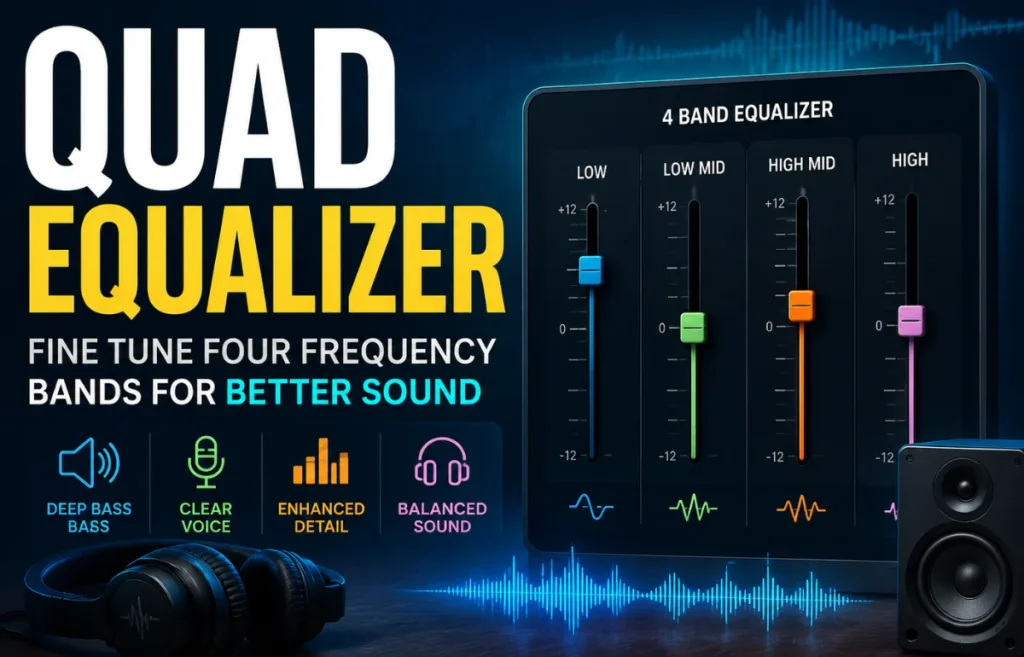
Understanding what you hear is more useful than memorizing specific settings. The four sections commonly found on a quad equalizer can be thought of as four different layers of an audio mix.
1. Bass: Weight and Impact
Low frequencies provide depth and physical impact. Kick drums, bass guitars, electronic bass lines, and low-end effects all contribute significantly to this region.
Too little bass can make music sound thin. Too much can create a boomy or muddy presentation, particularly in small rooms or vehicles.
If the sound lacks weight, try a modest bass increase. If voices become difficult to distinguish after increasing bass, reduce the boost rather than continuing to raise other bands.
2. Low-Midrange: Warmth and Body
The low-midrange gives many instruments and voices their body. It is also one of the areas where excessive energy can make a recording sound congested.
A small reduction can sometimes make an audio system sound clearer without increasing treble.
This is an important technique with a quad equalizer: clarity does not always require boosting high frequencies. Removing unwanted energy from another region can produce a cleaner result.
3. High-Midrange: Presence and Clarity
The upper-midrange contains many of the frequencies that help speech and vocals remain intelligible.
Increasing this area slightly can bring vocals forward and make instruments easier to distinguish. However, too much emphasis may produce an aggressive or nasal character.
When adjusting this band, use familiar recordings and listen at a moderate volume.
4. Treble: Brightness and Detail
Treble contributes sparkle, air, and fine detail. Cymbals, high-frequency percussion, and some vocal characteristics occupy this region.
A small treble adjustment can make a dull recording feel more open. Excessive boosting, however, may emphasize hiss, recording imperfections, or harshness.
With a quad equalizer, the goal is not to make every band louder. The objective is to achieve a balanced frequency response.
Quad Equalizer vs. Basic Tone Controls
A traditional tone control may provide only bass and treble adjustments. A four-band system introduces additional control over the middle frequencies.
| Feature | Basic Tone Controls | Quad Equalizer |
|---|---|---|
| Bass adjustment | Yes | Yes |
| Treble adjustment | Yes | Yes |
| Midrange control | Limited or unavailable | Yes |
| Precision | Low | Moderate |
| Ease of use | Very easy | Easy to moderate |
| Sound shaping | Basic | More flexible |
This makes a quad equalizer useful for listeners who want more control without learning a complicated graphic or parametric equalizer.
How to Set a Quad Equalizer
There is no universal setting that sounds perfect on every system. Speakers, headphones, room acoustics, recording quality, listening volume, and personal preference all affect the result.
A reliable starting process is:
- Set all four controls to 0 dB.
- Choose a familiar recording with vocals and instruments.
- Listen for the biggest problem rather than trying to improve everything.
- Adjust only one band at a time.
- Make small changes, preferably a few decibels or less initially.
- Return the adjustment to zero if it makes the sound worse.
- Compare the adjusted sound with the original.
- Save the setting only after testing several recordings.
This approach prevents the common mistake of continuously increasing every control.
Useful Quad Equalizer Settings
Preset values can be useful starting points, but they should not be treated as universal formulas.
For More Bass
If your system sounds thin, try a small low-frequency boost. Keep the low-midrange under control if the result becomes muddy.
A starting point might look like:
- Bass: +2 dB
- Low-mid: 0 dB
- High-mid: 0 dB
- Treble: +1 dB
For Clearer Vocals
For podcasts, interviews, or vocal-heavy music, clarity is often more important than heavy bass.
Try:
- Bass: -1 dB
- Low-mid: -1 dB
- High-mid: +1 to +2 dB
- Treble: 0 to +1 dB
For Brighter Music
If recordings sound too dark, a small treble increase may help.
Consider:
- Bass: 0 dB
- Low-mid: 0 dB
- High-mid: +1 dB
- Treble: +2 dB
These examples are starting points rather than fixed recommendations. The best quad equalizer configuration depends on the specific audio equipment and recording.
Quad Equalizer for Car Audio
Car interiors create unusual acoustic conditions. Reflections from glass, seats, dashboard surfaces, and other materials can change how different frequencies reach the listener.
A common mistake is to compensate for a weak-sounding system by boosting bass and treble heavily.
Instead, start flat and make gradual changes. If bass sounds powerful in one seat but overwhelming elsewhere, the problem may involve speaker placement or cabin acoustics rather than equalization alone.
Use several recordings when tuning a quad equalizer in a vehicle. A setting that sounds excellent with electronic music may make acoustic or vocal recordings less balanced.
Quad Equalizer for Headphones
Headphones can have significant differences in frequency response. Some models emphasize bass, while others have stronger treble or a more neutral presentation.
Because of this, copying someone else’s equalizer profile may not produce the same result on your headphones.
Start with a flat profile and identify what you actually want to change. If the headphones already have strong bass, adding more low-end may reduce clarity.
For listening over long periods, moderate adjustments are generally easier to tolerate than extreme boosts.
Quad Equalizer for Voice and Podcasts
Speech requires different priorities from music. Deep bass is usually less important than intelligibility.
If voices sound muffled, a modest reduction in low-mid energy may help. If speech sounds weak or distant, a small upper-mid adjustment can sometimes improve presence.
Avoid excessive treble boosts because microphones, room noise, and recording compression can make high-frequency noise more noticeable.
A well-adjusted quad equalizer should make speech easier to understand without making it sound unnaturally sharp.
Common Quad Equalizer Mistakes
Boosting Every Band
Increasing all four bands may make the audio louder, but it does not necessarily make it better.
If you want more clarity, identify which frequency is causing the problem before boosting anything.
Using Extreme Settings
Large boosts and cuts can produce unnatural sound and may introduce distortion when combined with high playback levels.
Small changes are usually easier to evaluate.
Ignoring the Original Recording
Poorly recorded audio cannot always be fixed with equalization. An equalizer can change frequency balance, but it cannot completely repair clipping, severe distortion, or missing information.
Changing Too Many Controls at Once
If you adjust all four bands simultaneously, it becomes difficult to determine which change actually helped.
Make one adjustment, listen, and then decide whether another change is necessary.
Judging Only One Song
A setting optimized for one track may sound poor with another. Test your configuration using different genres, recordings, and voices.
Quad Equalizer vs. Graphic Equalizer
The terms can sometimes overlap depending on the device or software, but they generally describe different levels of control.
A graphic equalizer commonly provides many fixed frequency bands, allowing more detailed shaping. A four-band design provides fewer controls and is therefore easier to understand.
A quad equalizer can be a practical middle ground for people who want more control than bass-and-treble settings but do not need a highly detailed frequency curve.
Tips for Getting Better Results
For consistent results, keep these principles in mind:
- Start from a flat response.
- Make small changes.
- Cut unwanted frequencies before applying large boosts.
- Use familiar recordings.
- Listen at a comfortable volume.
- Compare changes with the original setting.
- Avoid copying presets without considering your equipment.
- Give your ears time to adjust before making additional changes.
One useful technique is the bypass test. Temporarily disable the equalizer and switch it back on. If you cannot clearly identify an improvement, the adjustment may not be necessary.
Is a Quad Equalizer Worth Using?
For listeners who want straightforward control over audio balance, four-band equalization can be useful. It offers enough flexibility to address common problems such as excessive bass, muddy mids, weak vocals, or insufficient brightness.
Its biggest advantage is simplicity. You can make meaningful changes without dealing with dozens of frequency controls.
However, equalization is not a replacement for good speakers, headphones, room acoustics, recording quality, or appropriate listening levels.
Final Thoughts on Quad Equalizer
A quad equalizer gives you four practical controls for shaping the balance of an audio signal. By understanding bass, low-midrange, high-midrange, and treble, you can make targeted adjustments instead of relying on random presets.
The most effective approach is simple: begin flat, identify the problem, make a small adjustment, and compare the result with the original. With a little practice, a quad equalizer can become a useful tool for creating clearer vocals, controlled bass, smoother mids, and more detailed audio.